A short introduction to the demo cases that come pre-loaded: anterior copy cases, model matching, night guards and Model Maker. It recommends getting comfortable with the Design Tools first, shown on a crown that was deliberately rotated and placed out of occlusion, by scaling, rotating, moving and morphing it to the opposing teeth and the contacts.
We have loaded sample design cases for you, but for the real experience, feel free to register, upload your own cases and design them, so you can become familiar with our workflow. The first demonstration is a full upper arch, where you can modify the margins or go straight to Design. Watch the video below to see some of the other advanced functions of DentalDesigns.ai.
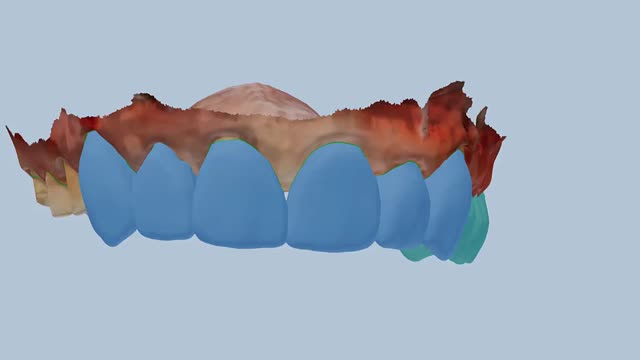
Full arch · 14 units
Upper arch, teeth 17–27 with margins
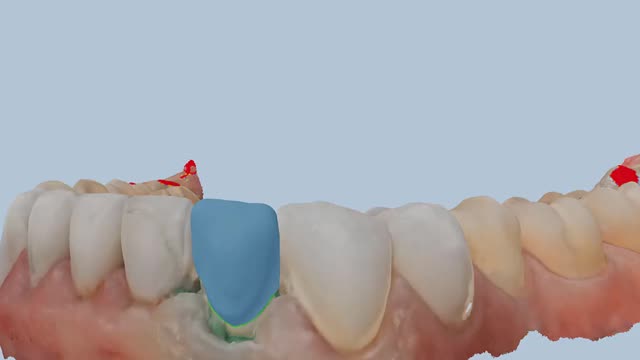
Lower anterior copy crown
Lower anterior crown copied from the pre-op
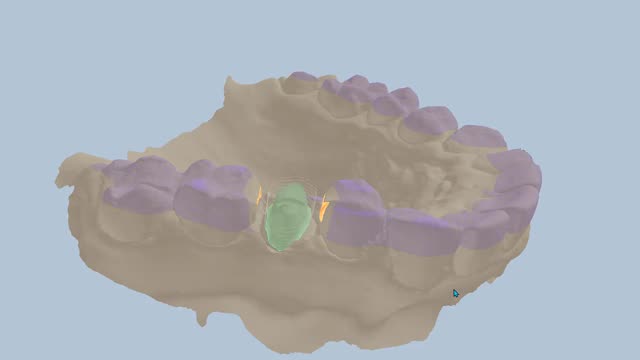
Premolar AI case
Premolar crown designed by AI
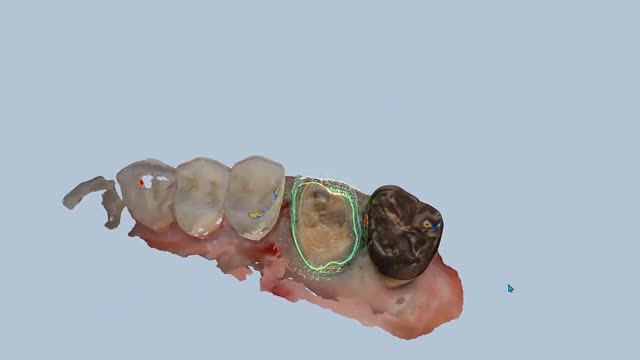
Upper Molar in Copy and AI Design Mode
Raw scans only: match the models, place the margin and design it yourself
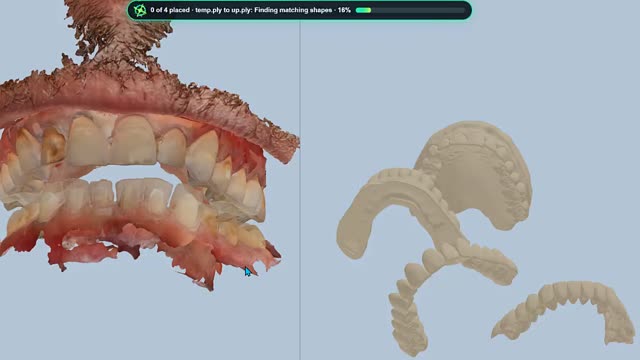
Exercise · Merging 9 models with a lip scan
Upper and lower preps, pre-ops, wax-ups and shell temporaries with a lip and nose scan, already aligned
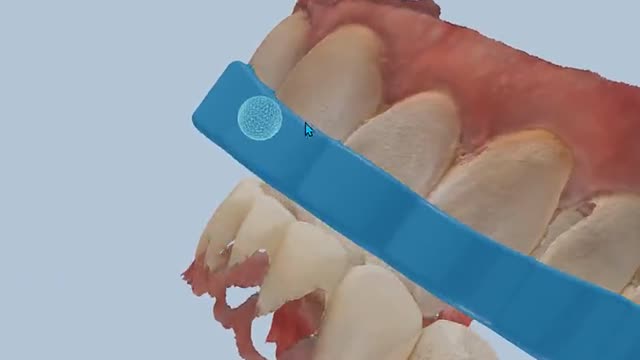
Demo · Night guard
Upper and lower scans set up for a night guard design